 Motivetto
A song that starts from your voice
Motivetto is an Android app that turns what you hum, whistle or beatbox into a real song: drums, bass, melody and chords, played by real instruments. Then you export it, track by track, to finish it on your computer.
How it goes
- You sing into the mic
- The app writes the notes
- You pick the instruments
- You arrange the song
- You listen and mix
- You export for the computer
A beat made with your mouth becomes a drum kit. A hummed bass line, even sung high, goes back to its octave. A whistled melody becomes notes in the right scale. Whatever the app gets wrong you fix by hand, on the grid or on the keyboard.
A look inside
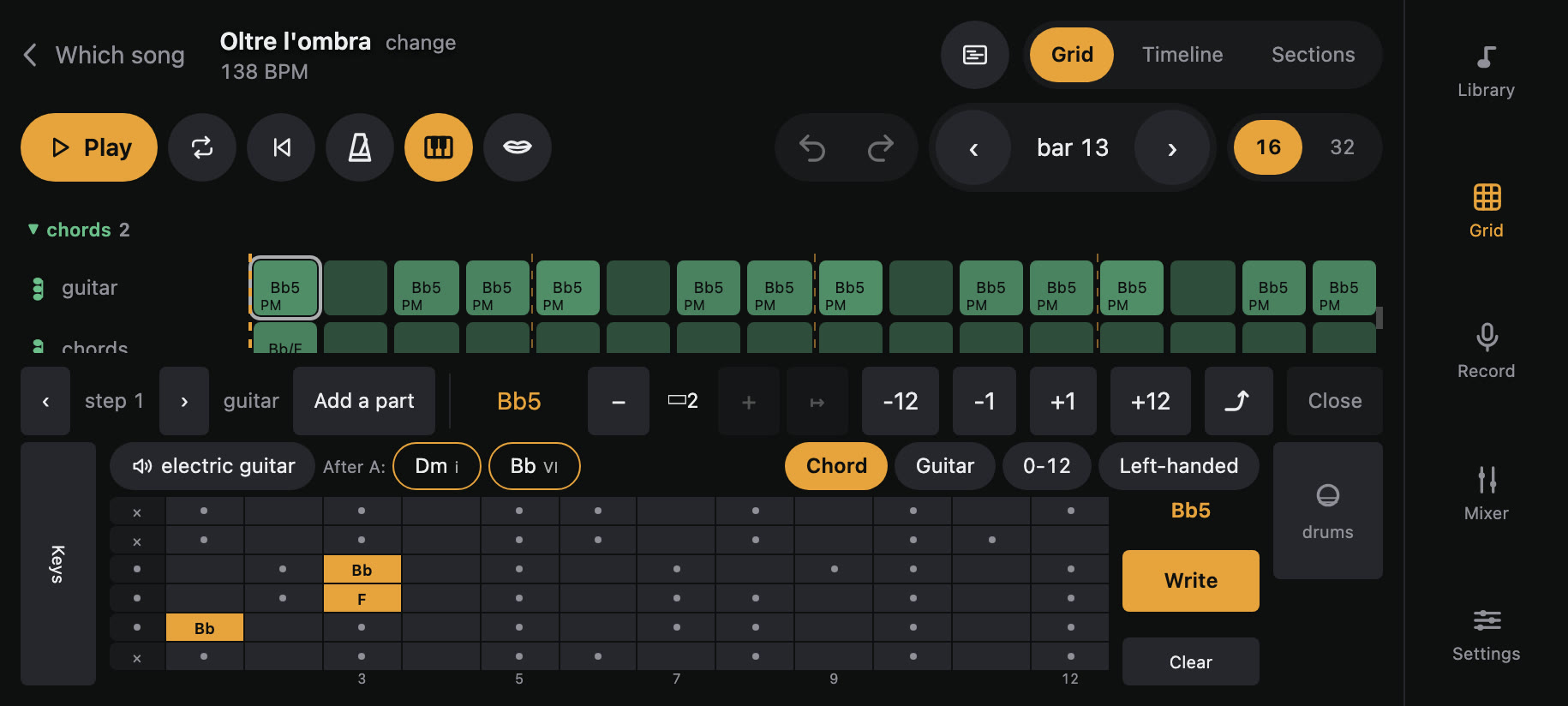
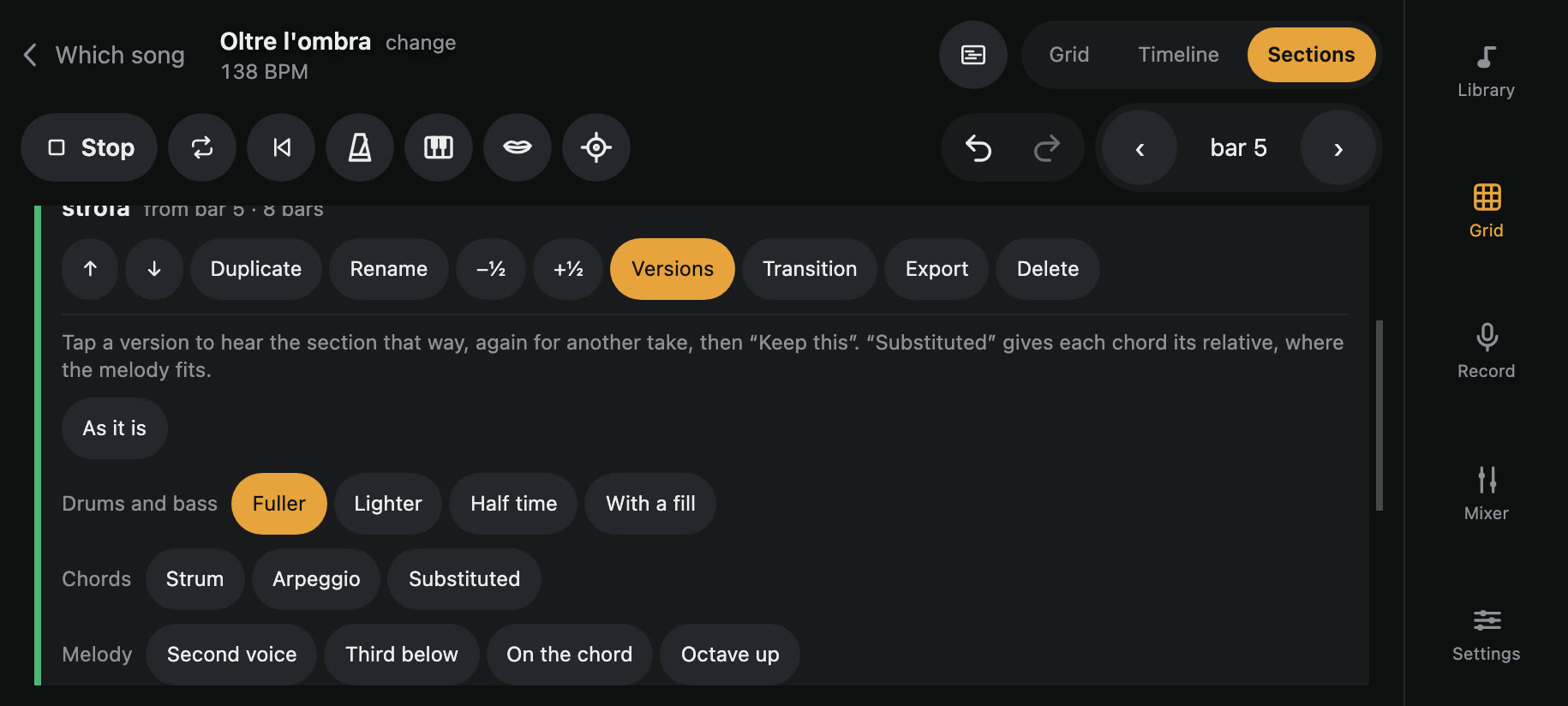
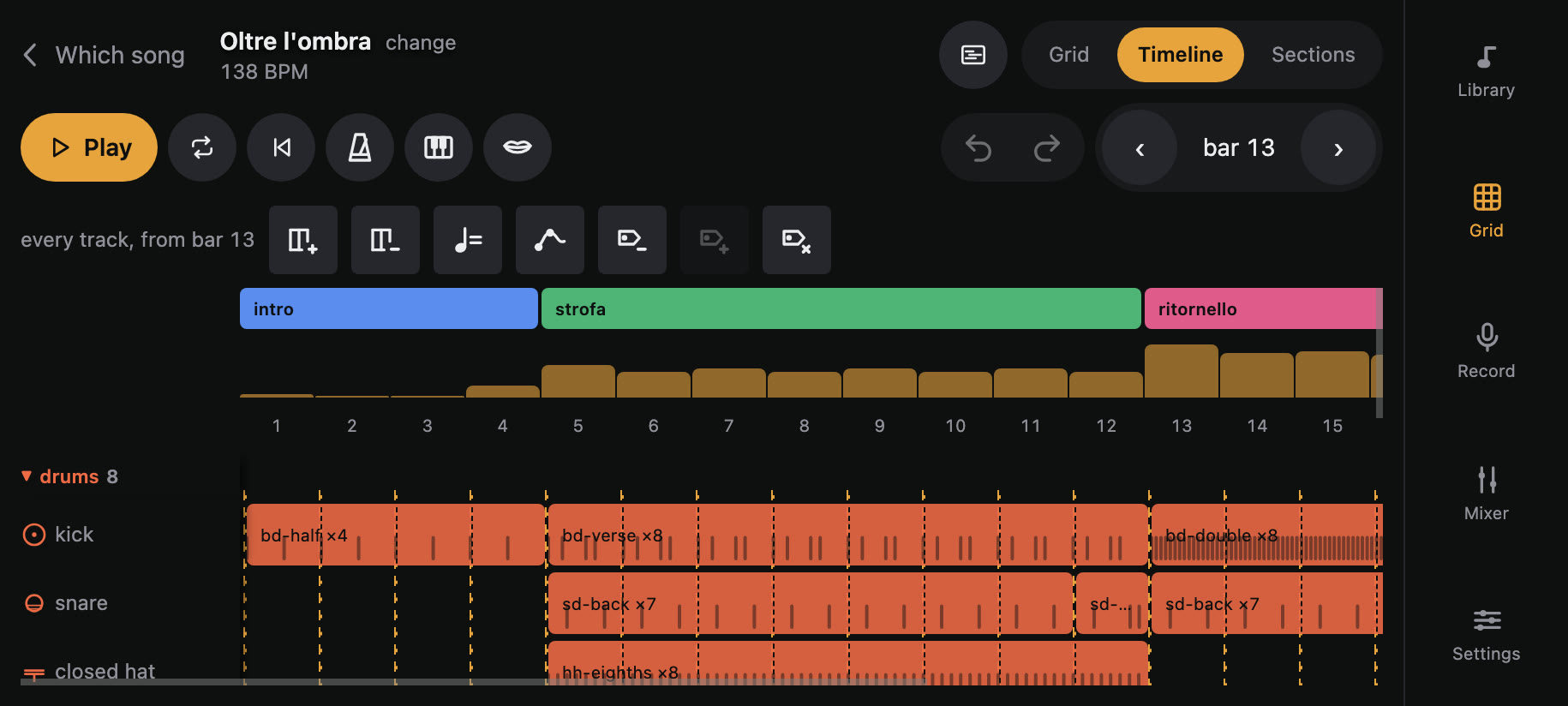
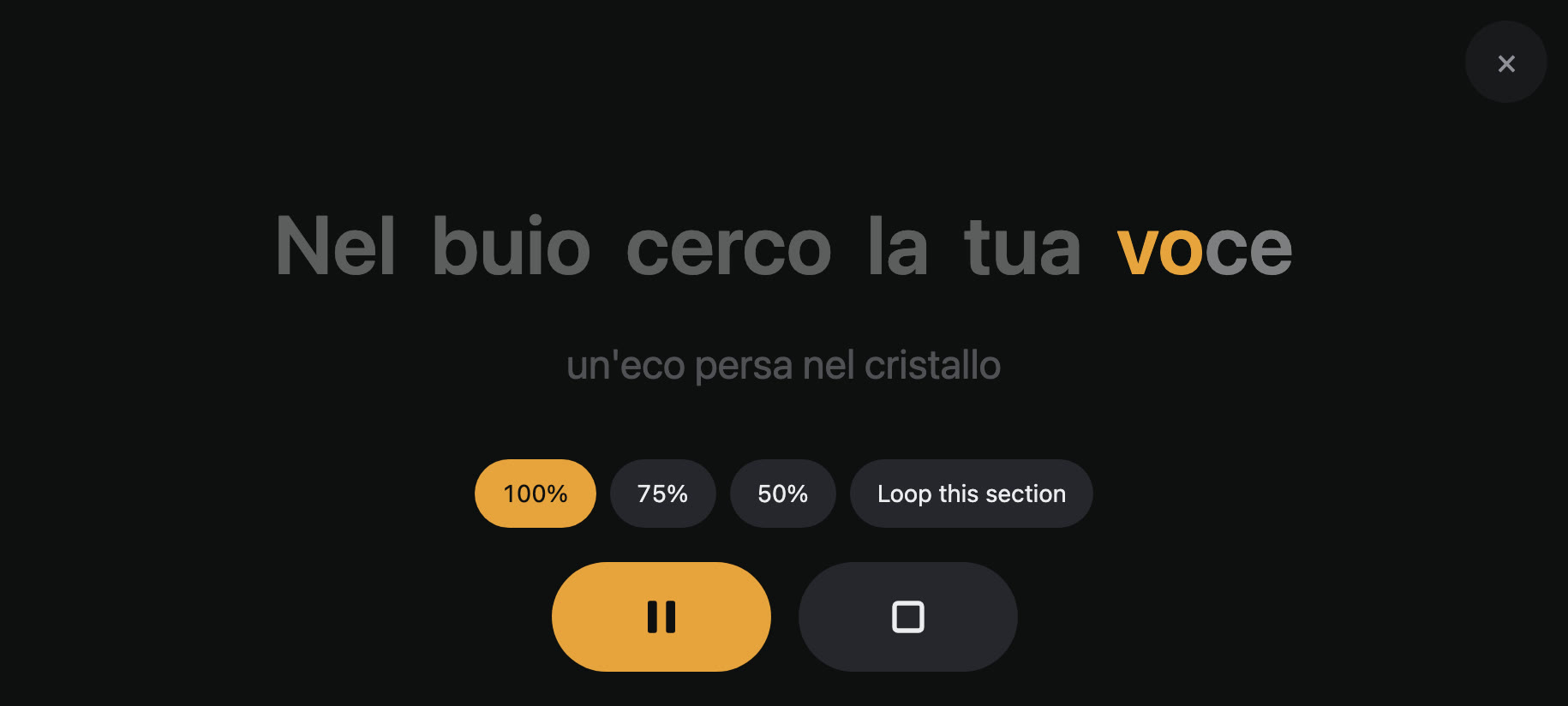
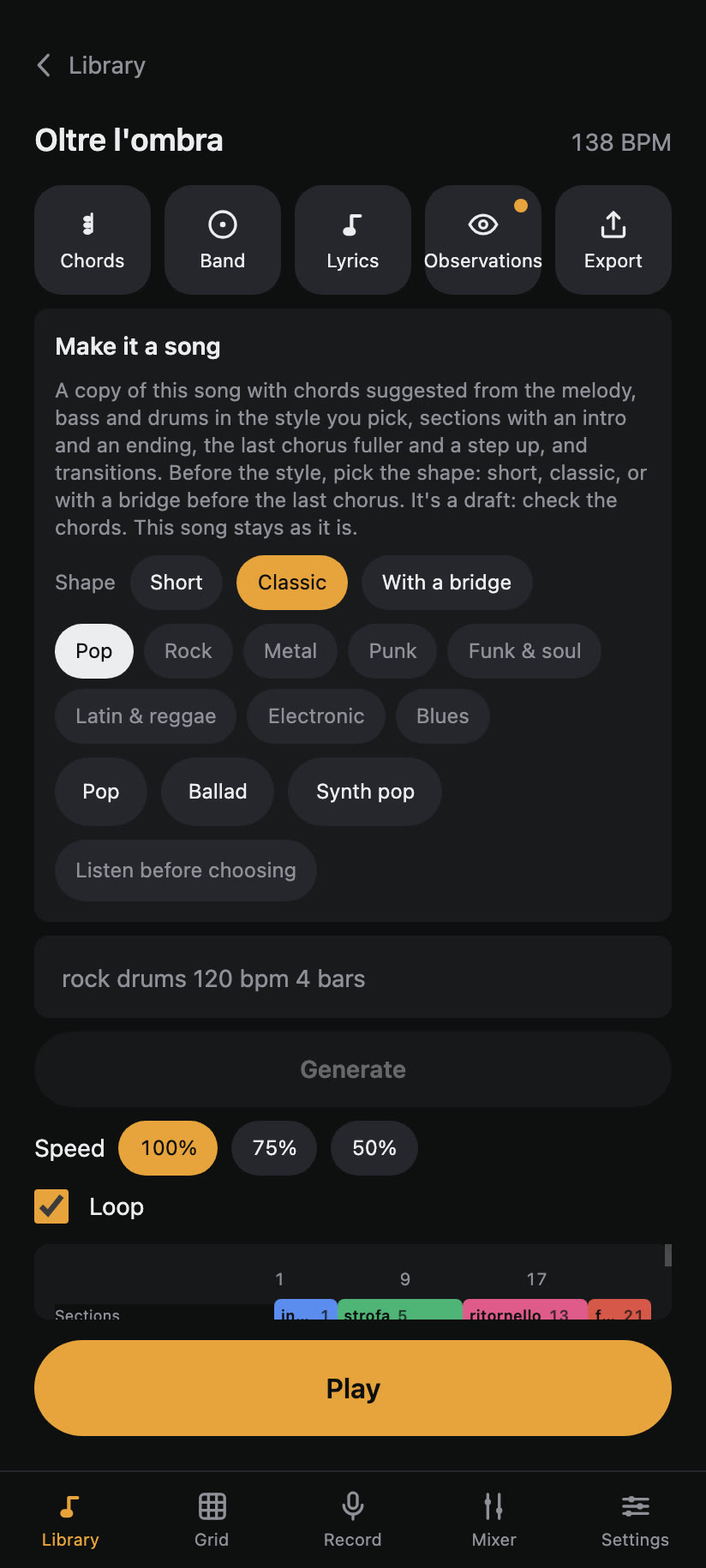
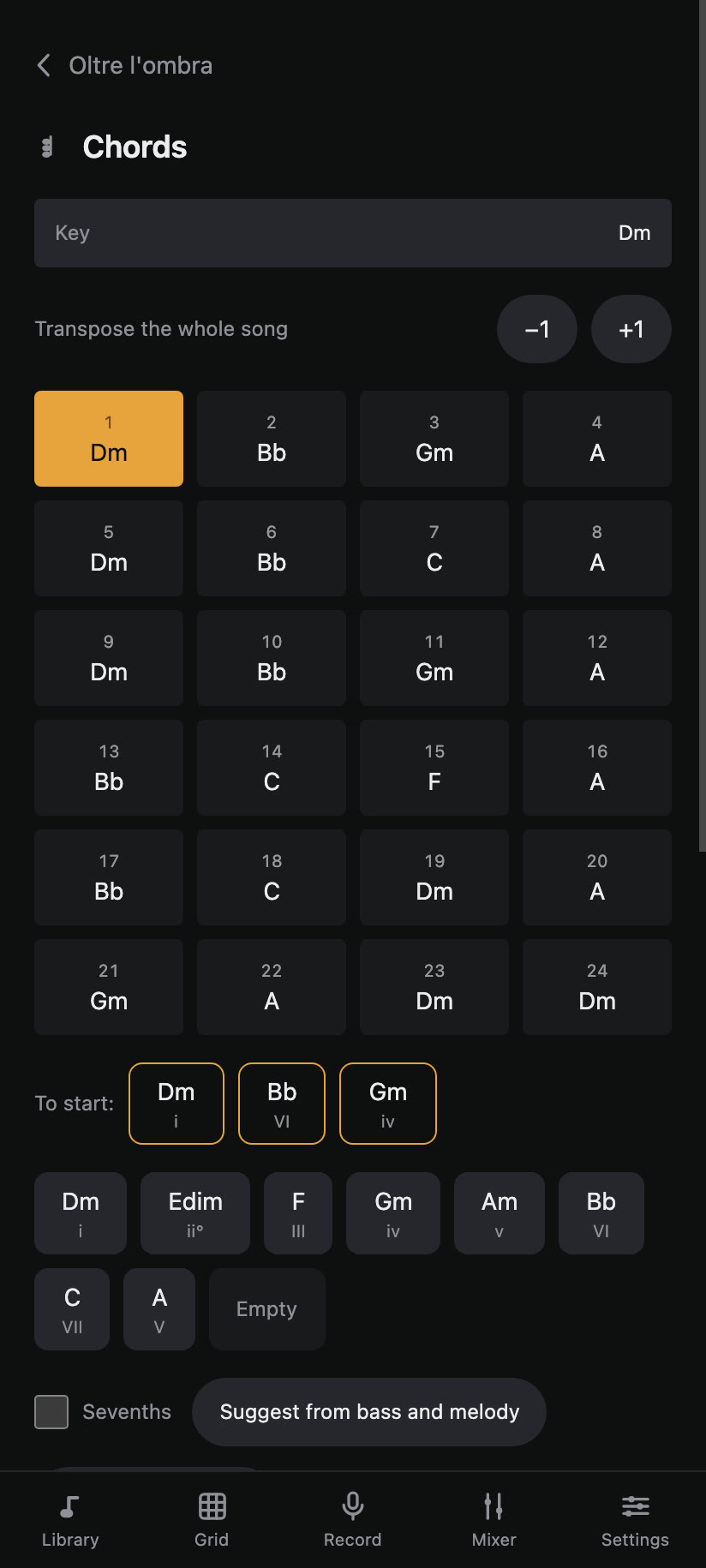
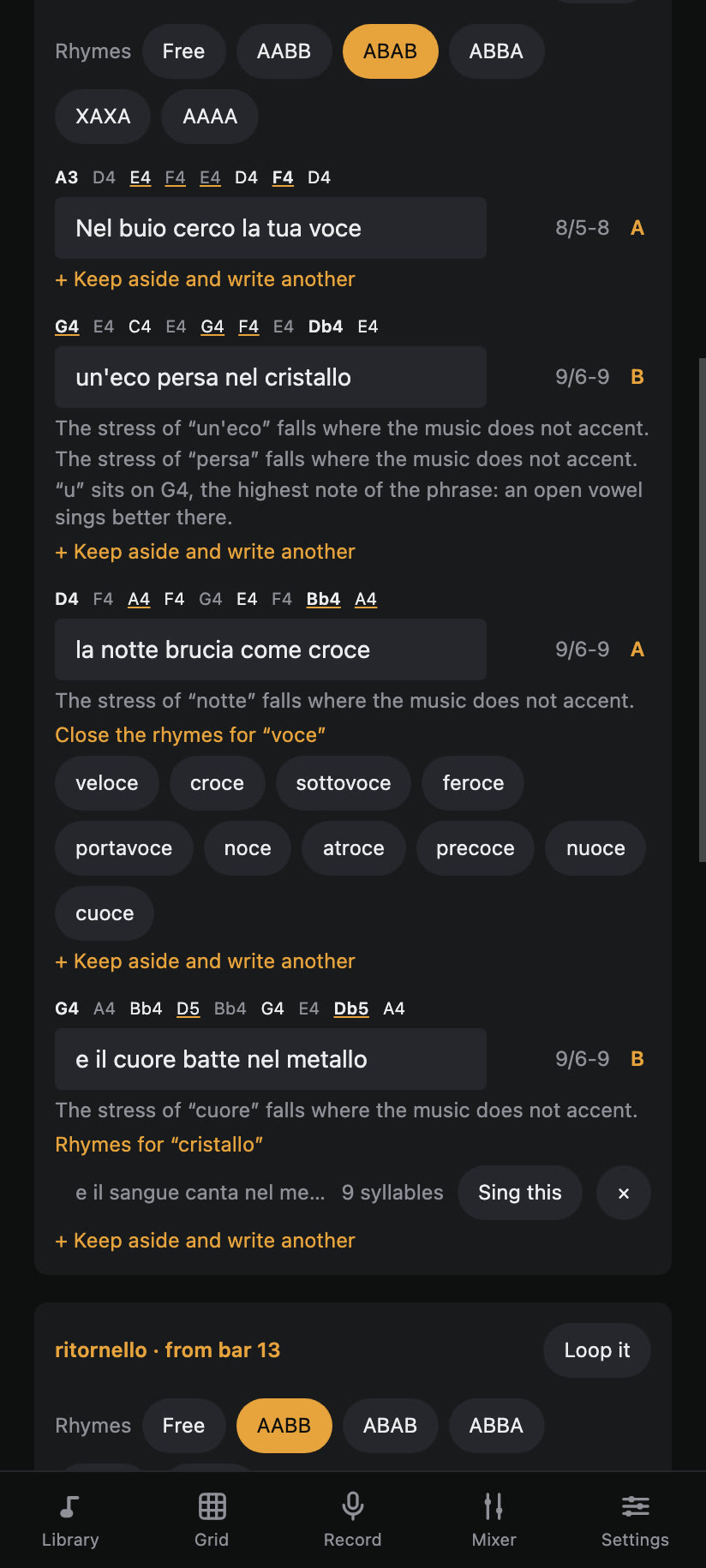
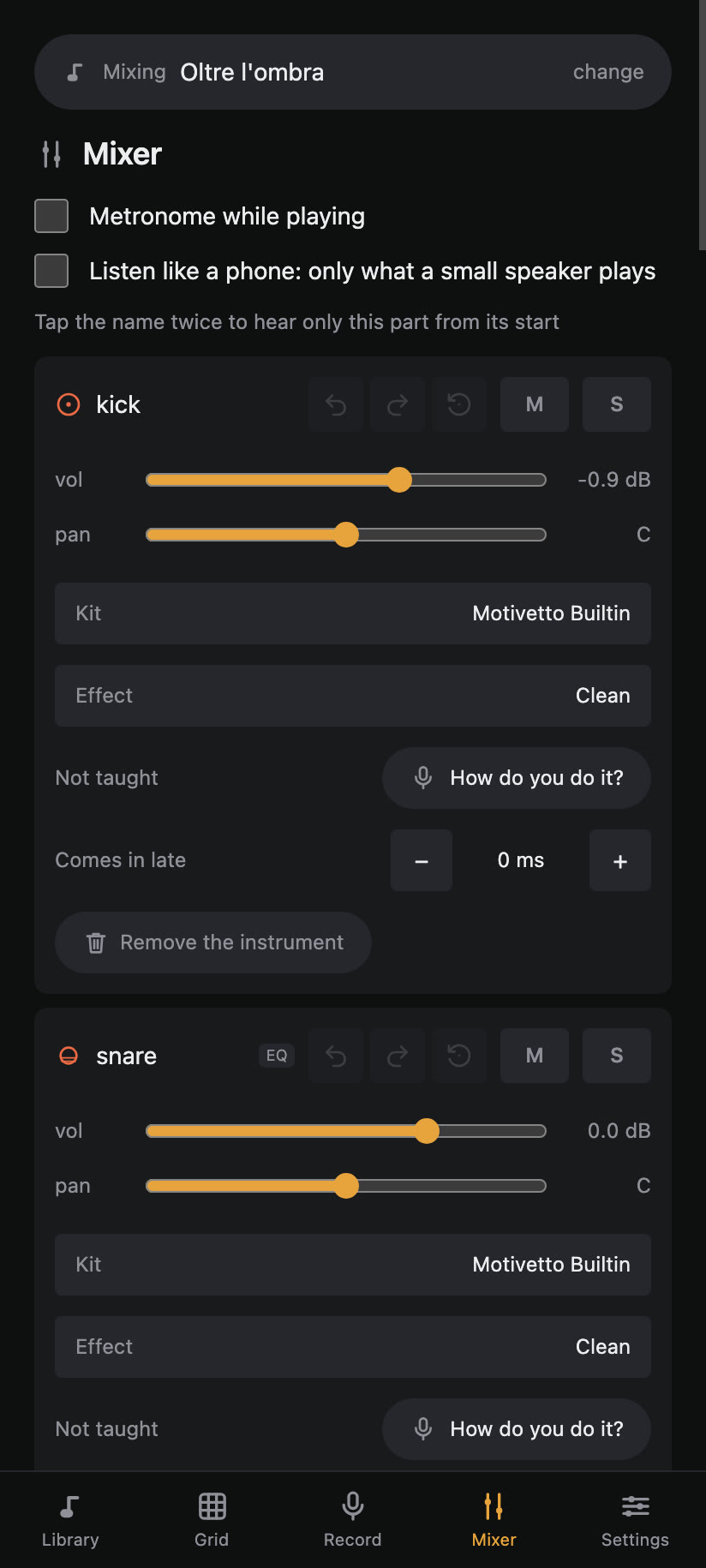
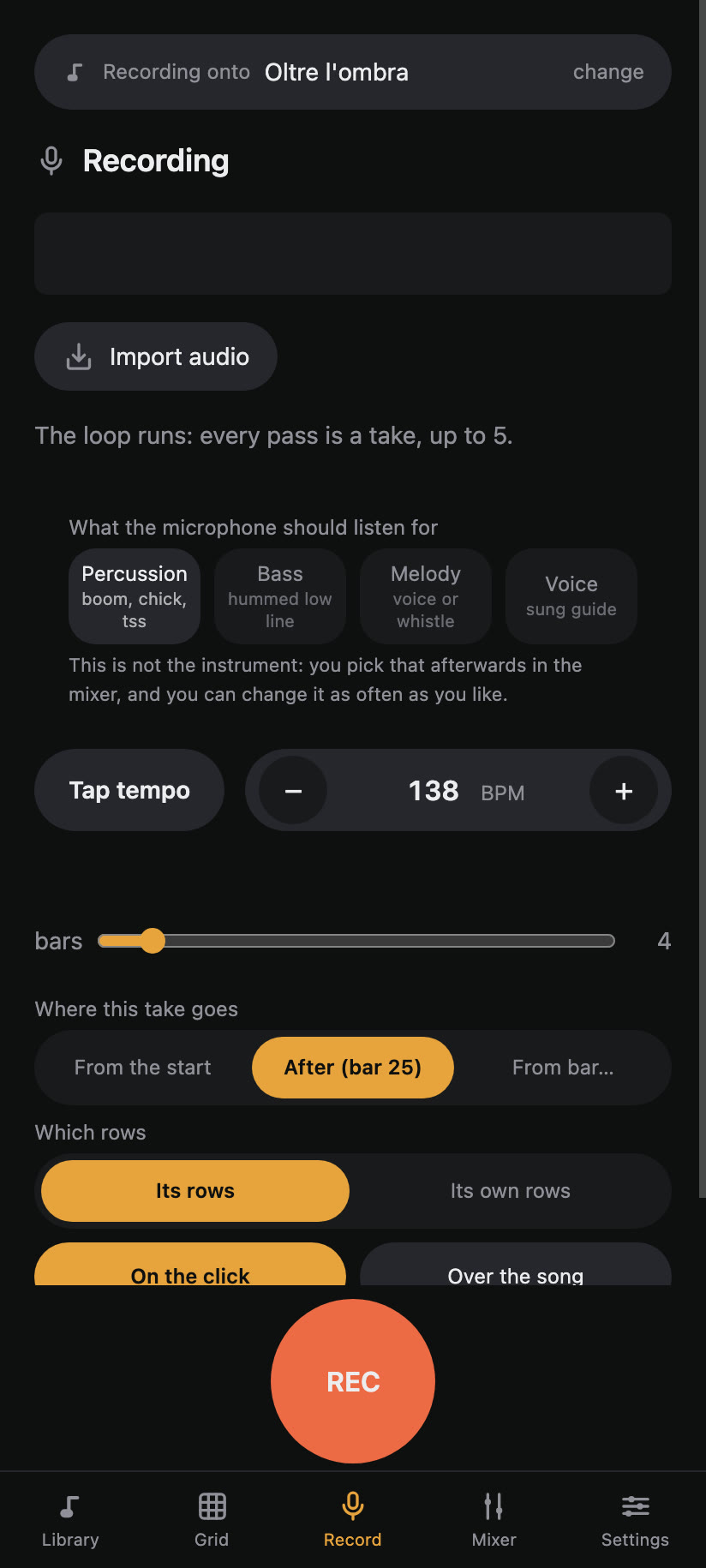
Real screenshots of the app, with “Oltre l'ombra” open.
What it does
Record with your voice
Percussion, bass, melody and guide vocal, over the click or over the song. Each pass of the loop is a take, and while you sing you see the note you are singing. If a note swells or fades, the instrument follows.
A band under the melody
Hum the melody: the app suggests the chords, you check them, and bass, drums and, where the style wants one, a guitar come in underneath: thirty-one styles in eight families, from pop to thrash, from bossa nova to cumbia, from ska punk to jazz, and you can hear each one before picking it. Or one tap, «Make it a song», and you have a whole draft to listen to straight away, short, classic or with a bridge, on a copy: the app offers it as soon as you transcribe a melody.
Learns your sounds
Let it hear how you make your kick, snare and hi-hat: it recognises them far better.
Grid and keyboard
Write and fix by touch: notes, chords, guitar and bass neck, blocks and sections. On the neck you bend the string with your finger or mute it with your palm, and while the song plays the notes light up on the strings. With a MIDI keyboard plugged into the phone, every key writes its note.
Real instruments
Drums, piano, bass, guitars, orchestra, and the 808 and 909 electronic drum kits. And you can import more: SoundFonts, SFZ, samples.
Mixer and effects
Volume, pan, mute and solo, an effect per track, EQ, compressor, sidechain, reverb, curves, and harmonics that let you hear the bass even from a phone. And a switch to hear the song the way a phone speaker will play it.
Lyrics, rhymes and karaoke
Lyrics on the metre of the melody, in Italian or English whatever the app's language, the rhyme scheme with words that rhyme, several versions of each line, a warning where a word's stress falls wrong, the section looping while you write with the syllable lighting up, and full-screen karaoke.
Export everything
Mix and stems as WAV, MP3, MIDI, lyrics, parts for the band as tab or score, in the tuning the part needs and with chords that suit the hand, for ukulele too, a MIDI that opens in any DAW with its instruments, and a vertical video for social media, even of a single section. The level stops before anything can distort, and alongside comes a file crediting the sounds used.
Albums
Running order, cover, even loudness across the songs, the whole record exported at once.
For practice
The song at three quarters or half speed, at the same pitch, recordings included: to learn your own part. In the karaoke too, with the section looping.
The library
Search, sort by date or by name, and find songs again with your own labels: mood, genre, “to finish”. And a copy of everything in a single file, to move to a new phone, with a reminder when it is time.
A song ready to play
On first launch there is already something to listen to: “Oltre l'ombra”, a symphonic power metal piece in D minor with drums, bass, distorted guitar, strings and a violin theme, lyrics with their rhymes and a finished mix. Open it, take it apart, change it: it is the quickest way to see everything the app can do, and you can copy it to start from there.
What you make is yours
The songs, recordings and exports you make with Motivetto are yours: you can publish and sell them, and the app asks for nothing. Of the built-in sounds, almost all are CC0 and ask for nothing either; the drums (MuldjordKit by Lars Muldjord) and the piano (Salamander by Alexander Holm) are CC BY, which asks you to credit their author in a song that uses them too — in the track notes, for example. No need to remember it: every export carries the credits of the sounds the song actually uses, with the line to paste already written.
No network, by design
Motivetto has no permission to reach the internet: your recordings never leave the phone, not even by mistake. Recording, transcription, sounds and export all work offline. The music keeps playing with the screen off, and an idea can be caught from quick settings with the «An idea» tile. When you want an AI's help with lyrics or an idea, the app prepares a file that you take wherever you like, and you bring the answer back yourself.
The guide is inside the app
Under Settings → “Guide and tutorials” there are 75 topics in 8 chapters, each with “Show me how”: the app takes you to the right screen and shows you what to tap. The same texts are here, in the manual.